How to Add a Book Button to Your Salon's Google Business Profile
Short answer: open your Google Business Profile, choose Booking, select Add link, paste the direct booking page from Fresha, Booksy, Setmore or whatever you use, and save. That puts a booking link on your profile in Google Search and Maps. If you'd rather have people book without leaving Google, turn on Reserve with Google inside Fresha or Booksy instead, and make sure your salon's name and address match your Google profile exactly.
That covers most salons and barbershops. Below is the step-by-step for both options, the mistakes that get links rejected, and what to check if the button still won't show up.
Why the Book button matters for a salon
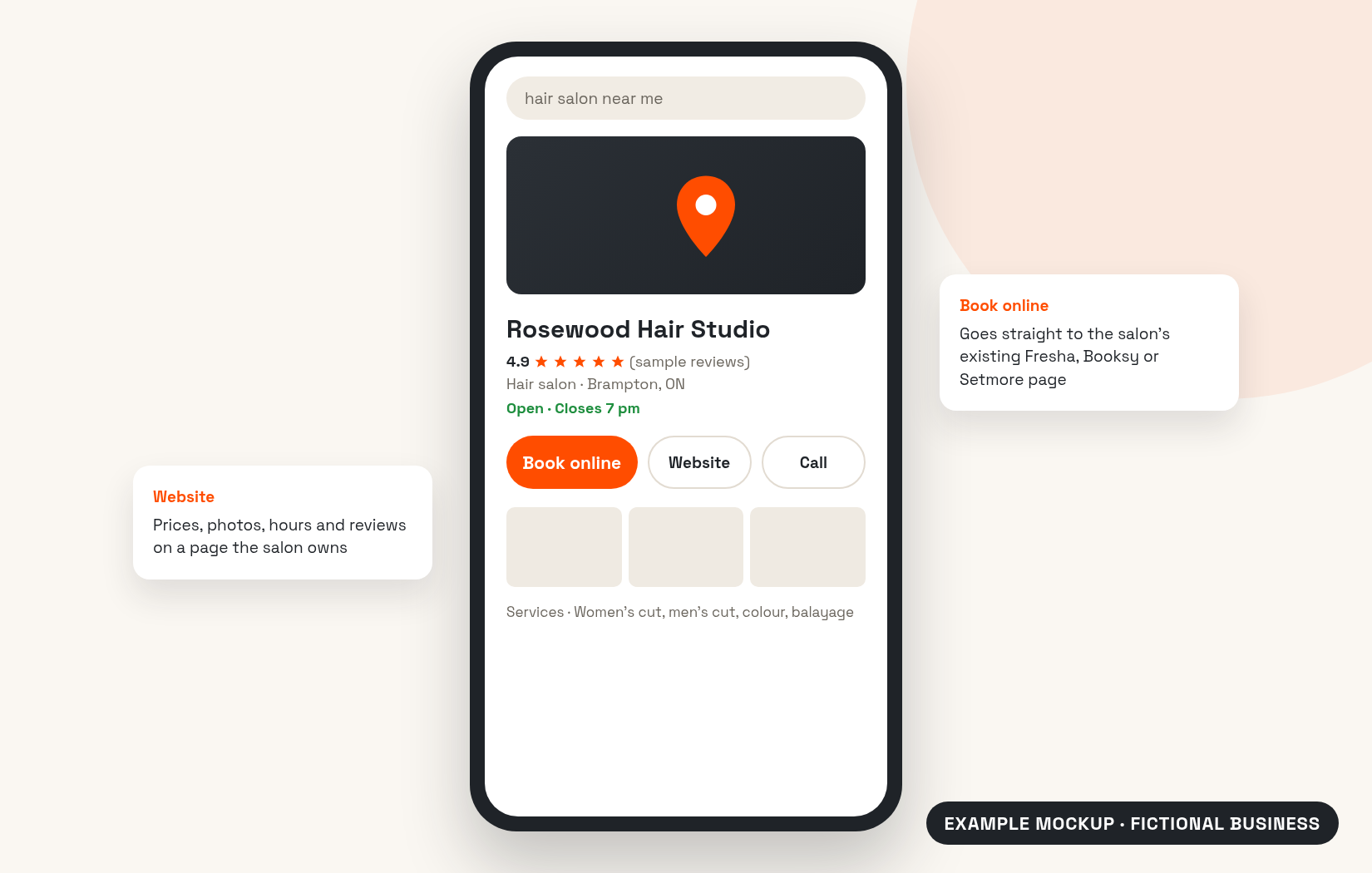
A lot of people never make it to your website or your Instagram. They search "hair salon near me" or "barber Brampton", look at the map results and pick from there. If your profile has good photos, good reviews and a way to book, you've made it easy. If the only option is to call while you're in the middle of a fade, some of them will just tap the next shop on the list.
A booking link doesn't replace a website or your reviews. It removes one step for people who are already ready to book.
Option 1: add your own booking link
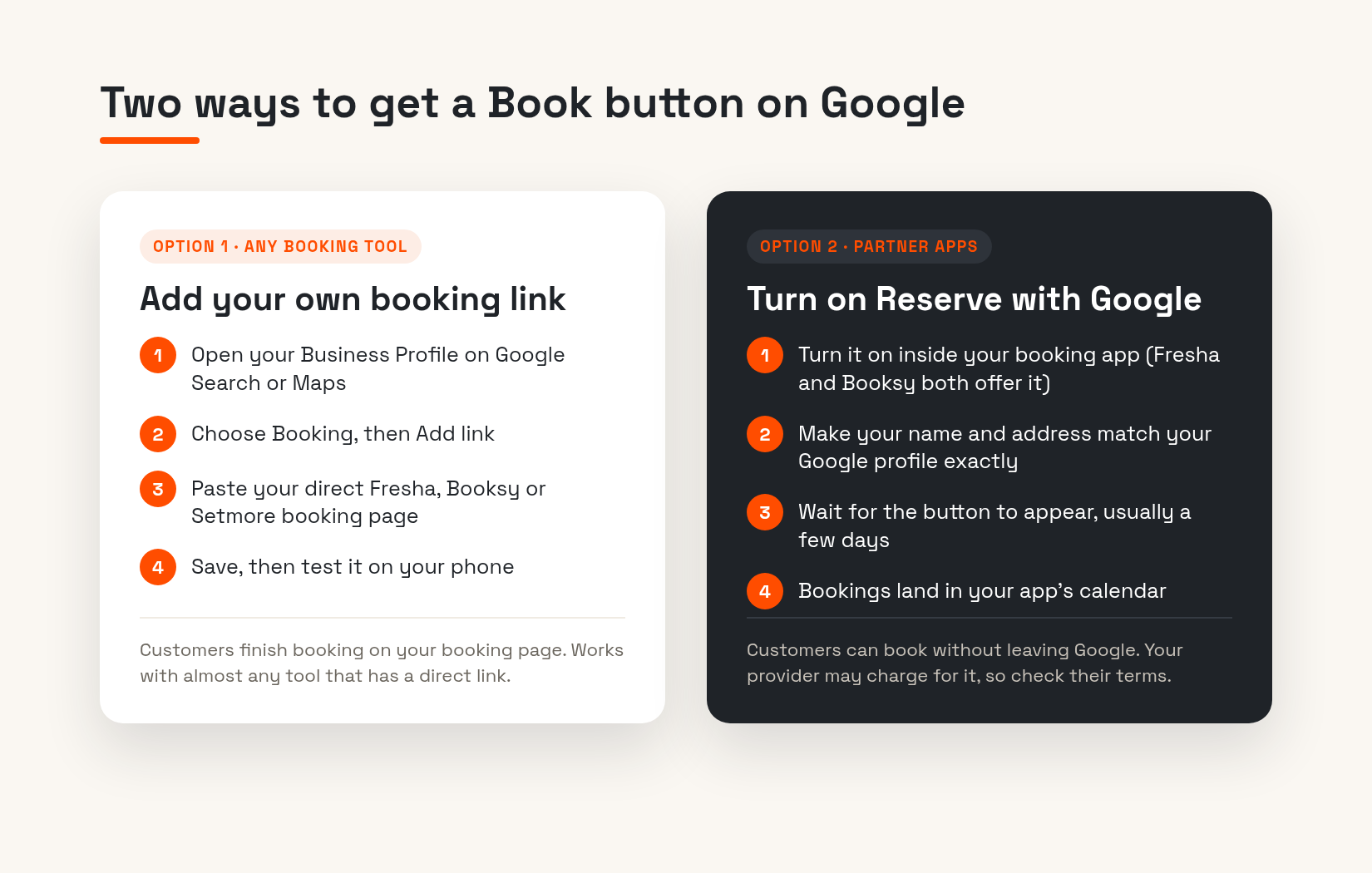
This works with almost any booking tool that gives you a direct link to your booking page. It's free and takes a few minutes.
- Make sure your Business Profile is verified. Google only lets verified businesses add links.
- Search your salon's name on Google while signed in to the account that manages the profile, or open Google Maps and go to your profile.
- On Google Search, select Booking. On Google Maps, select Edit profile, then the booking option.
- Select Add link, or Add another link if there's already one there.
- Paste your direct booking URL and select Save.
- Open your profile on your phone and tap the button to check it lands on the right page.
If more than one booking link shows up on your profile, you can set yours as the preferred link so it's the one people see first.
Option 2: turn on Reserve with Google
Reserve with Google is the version where customers pick a service and a time without leaving Google, and the appointment drops straight into your booking app's calendar. It only works through booking providers that partner with Google. Fresha and Booksy are both partners.
- Fresha: Reserve with Google is listed under Add-ons. Your Fresha marketplace profile has to be published, your business name and address must exactly match your Google profile, and your team needs shifts scheduled. Fresha says it can take up to 48 hours to appear.
- Booksy: In your business settings, under Online Booking, there's a Reserve with Google option to enable. Booksy says that if nothing shows after 72 hours, you should double-check your street address.
Google notes that a provider might charge you for bookings made through Google, so check your booking app's current terms before you switch it on. Features and pricing change, and the provider's own help pages are the best source.
Which one should you use?
If you already use Fresha or Booksy and your details match cleanly, Reserve with Google gives customers the smoothest experience. If your booking tool isn't a Google partner, or you'd rather send people to your own booking page, a plain booking link is perfectly fine.
One thing to know: Google's help pages say performance data isn't available for links you add yourself. If seeing how many bookings came from Google matters to you, that's a point in favour of Reserve with Google.
Mistakes that get booking links rejected
Google checks the links you add, and it can reject or quietly remove ones that break its rules. These are the ones salons run into most:
- Linking to Instagram, Facebook or WhatsApp. Google doesn't accept social media or messaging links as booking links. Use the actual booking page.
- Using a link-in-bio page. A page that's just a list of other links doesn't let someone finish a booking, so it doesn't count.
- Linking to a general homepage. The link should go to a page where the customer can actually book with your salon, at that location.
- Shortened links. Paste the full address, not a shortened one.
- Pages behind a login. If someone has to sign in before they can see your services and times, Google may not be able to check the link.
Also, Google allows one link per domain. If a provider has already added a link from the same booking site, you might see an error until you sort out which one stays.
The button still isn't showing. Now what?
- Check that your profile is verified and not suspended.
- Compare your salon name, address and phone number on Google and in your booking app character by character. "Unit 4" on one and "Ste 4" on the other can be enough to break the match.
- Give it time. Google says booking providers can take up to a week to show up on your profile.
- Make sure your business type fits. Fresha, for example, only shows the Book button for beauty and wellness businesses.
If you've done all that and it's still missing, Google's Business Profile help pages are the final word, since the screens change from time to time.
Get the rest of the profile right too
A Book button on a profile with three blurry photos and unanswered reviews still loses people. We wrote about the five Google Business Profile mistakes we see most often with GTA businesses, and they're worth checking at the same time. If you're wondering whether you still need a website on top of all this, here's our take on salon websites when you already use Fresha or Booksy.
If you'd rather hand it off, our Google Profile Boost is a one-time $299 (plus HST). It covers claim and verification help, categories and services, 10 photos, a review QR card and core Canadian directory listings. Our Growth Site package includes a profile cleanup as well. Everything is on our pricing section, and you can see how we build sites for shops like yours on our salon websites page.
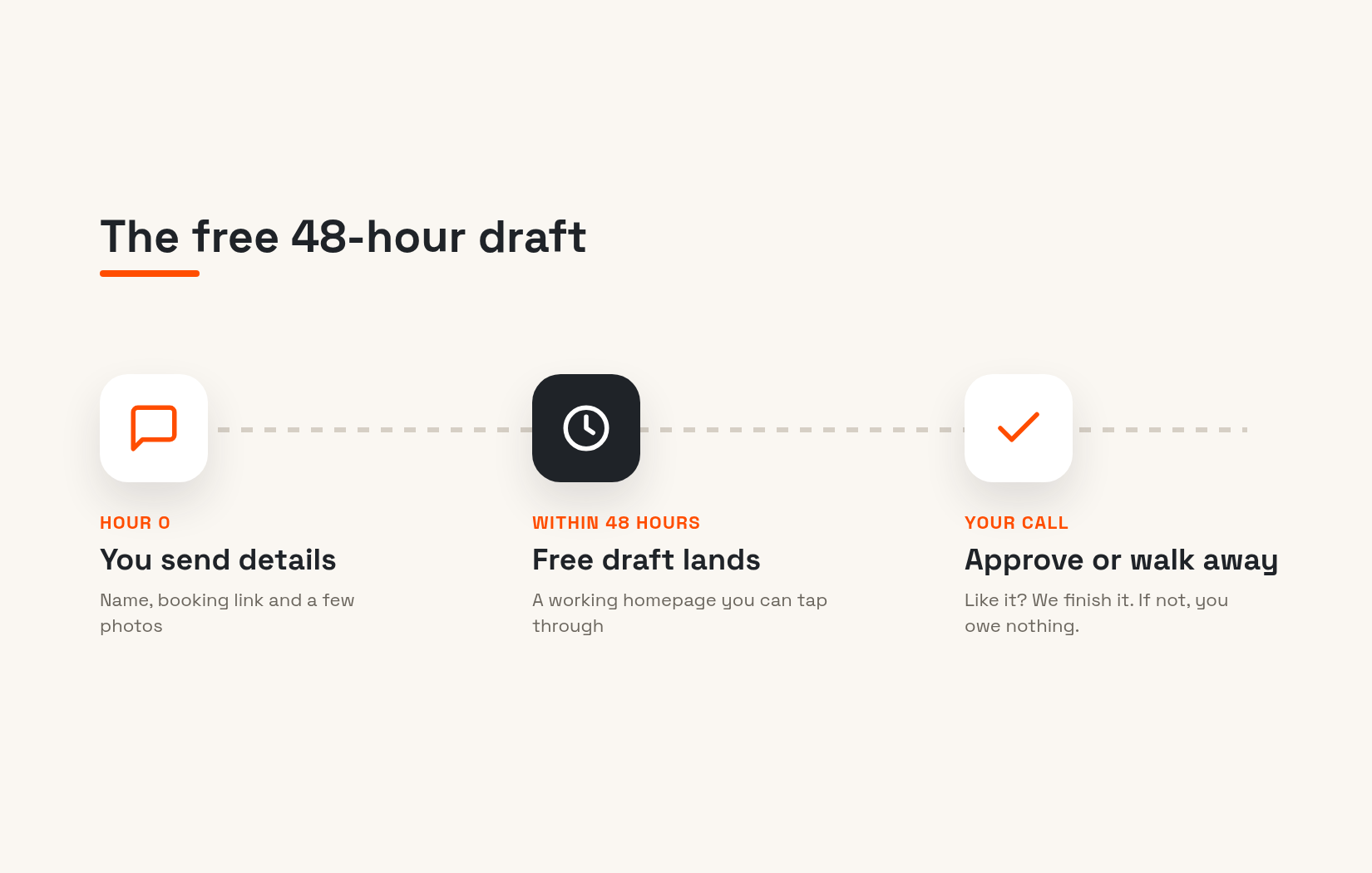
Want to see what your salon's site and booking flow could look like? Ask for your free 48-hour draft. No payment, no pressure.
Get a free draft of your new site in 48 hours
Get my free draft →Frequently asked questions
How do I add a Book button to my Google Business Profile?
Open your verified profile on Google Search, select Booking, then Add link, paste your direct booking page and save. For a built-in Book button, turn on Reserve with Google through a partner booking app such as Fresha or Booksy.
Can I link Fresha or Booksy to my Google Business Profile?
Yes. You can paste your Fresha or Booksy booking page as a booking link, or turn on Reserve with Google inside either app so customers can book without leaving Google.
Is Reserve with Google free?
Google says your booking provider might charge you for bookings made through Google. Check your provider's current pricing before you turn it on.
Why isn't the Book button showing on my Google profile?
The usual causes are an unverified profile, a name or address that doesn't exactly match your booking app, or not enough time. Google says booking providers can take up to a week to show up.
Can I use my Instagram link as a booking link on Google?
No. Google doesn't accept social media, messaging, link-shortener or app-store links as booking links. Use the page where customers actually book.
Do I still need a salon website if I have a Book button on Google?
You can take bookings without one, but a website gives people your prices, photos and policies in one place you control, and gives Google more to work with.